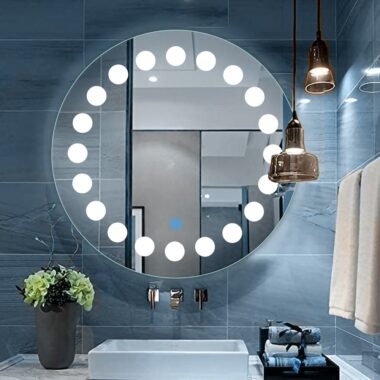
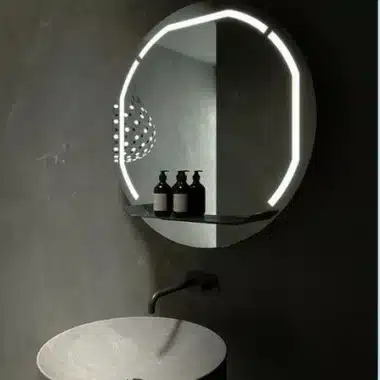
To adjust or dim the brightness of an LED mirror, you can follow several common methods, depending on the mirror’s design. Here are some tips on how to make the necessary adjustments:
1. Check the LED Mirror’s Manual
Some LED mirrors come with built-in buttons or controls that allow you to adjust the brightness directly. Look for these options in the product manual. It will usually describe how to use the buttons on the mirror to increase or decrease the light intensity.adjust or dim the brightness of an LED mirror
2. Use the Mirror’s Built-in Touch Sensor
Many modern LED mirrors have a touch sensor that allows you to adjust the brightness level. Simply tap or hold the sensor, usually located on the frame of the mirror. The light will either dim or brighten as you tap or hold it.
3. Adjust with a Remote Control
If your LED mirror is equipped with a remote control, you can adjust the brightness with the buttons provided. Most remotes offer options for controlling both the color temperature and the intensity of the light.
4. Adjust via Smart Features
Some high-end LED mirrors can be integrated with smart home systems. In such cases, you can adjust the brightness via an app on your phone or a voice command through virtual assistants like Google Assistant or Amazon Alexa.adjust or dim the brightness of an LED https://lightmirror.in/product/chic-rectangle-led-mirror-with-3-lights-by-gizell/mirror
5. Use an External Dimmer
If your LED mirror does not come with brightness controls built-in, you can purchase an external dimmer switch that connects to the mirror’s power supply. This solution provides the flexibility to control the brightness level without relying on built-in features.
By following these steps, you can customize the brightness of your LED mirror to suit your needs, whether you need bright light for makeup application or a softer glow for ambiance.